UChicago Pool
Split airport rides.
Save money together.
Pool matches UChicago students headed to O'Hare or Midway at similar times, so you can share Uber or Lyft and split the cost—without endless group chats.
 Download for iOS
Free to use. Only pay your share of the ride.

Already saved UChicago students over $10,000
We're finding
your match
We'll let you know once we've found the best rider for your trip.
Your trip
Nov 27 • 8:00 AM
6031 S Ellis Ave→ORD
How Pool works
Three simple steps to split your ride
Plan your trip
Enter your pickup location, choose your airport, and select your departure time. Pool's matching algorithm instantly searches for students with similar itineraries.

Get matched
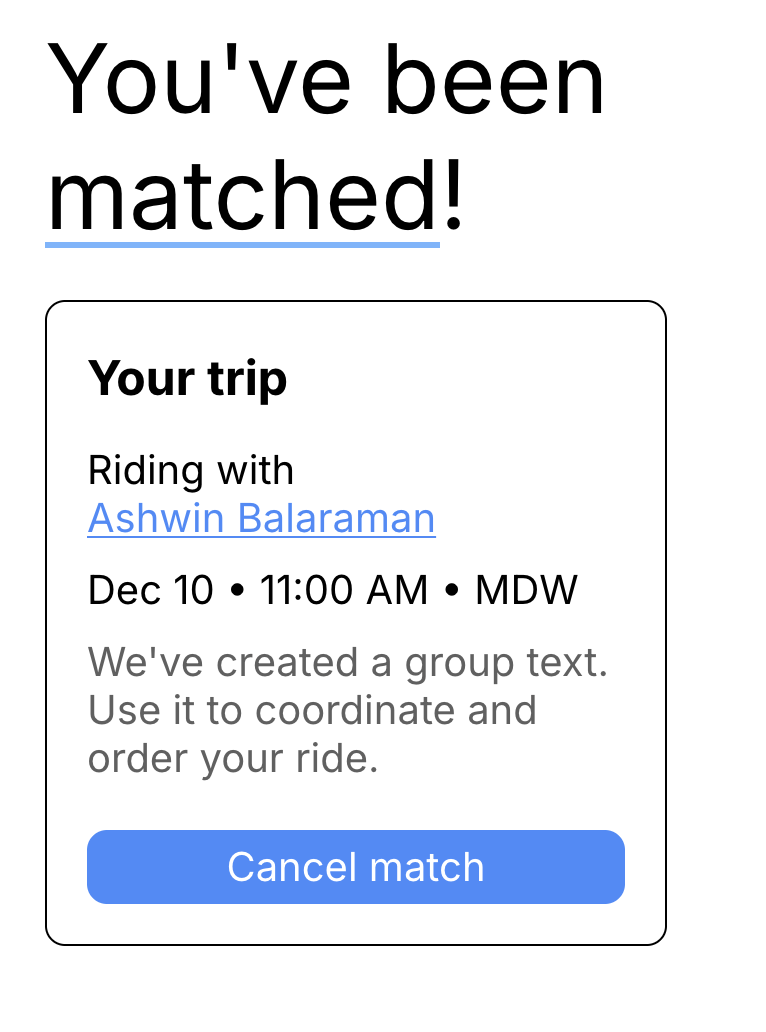
Receive an instant notification when Pool finds your perfect match. We automatically create a group chat so you can coordinate pickup details and order your shared ride together.
Share the ride
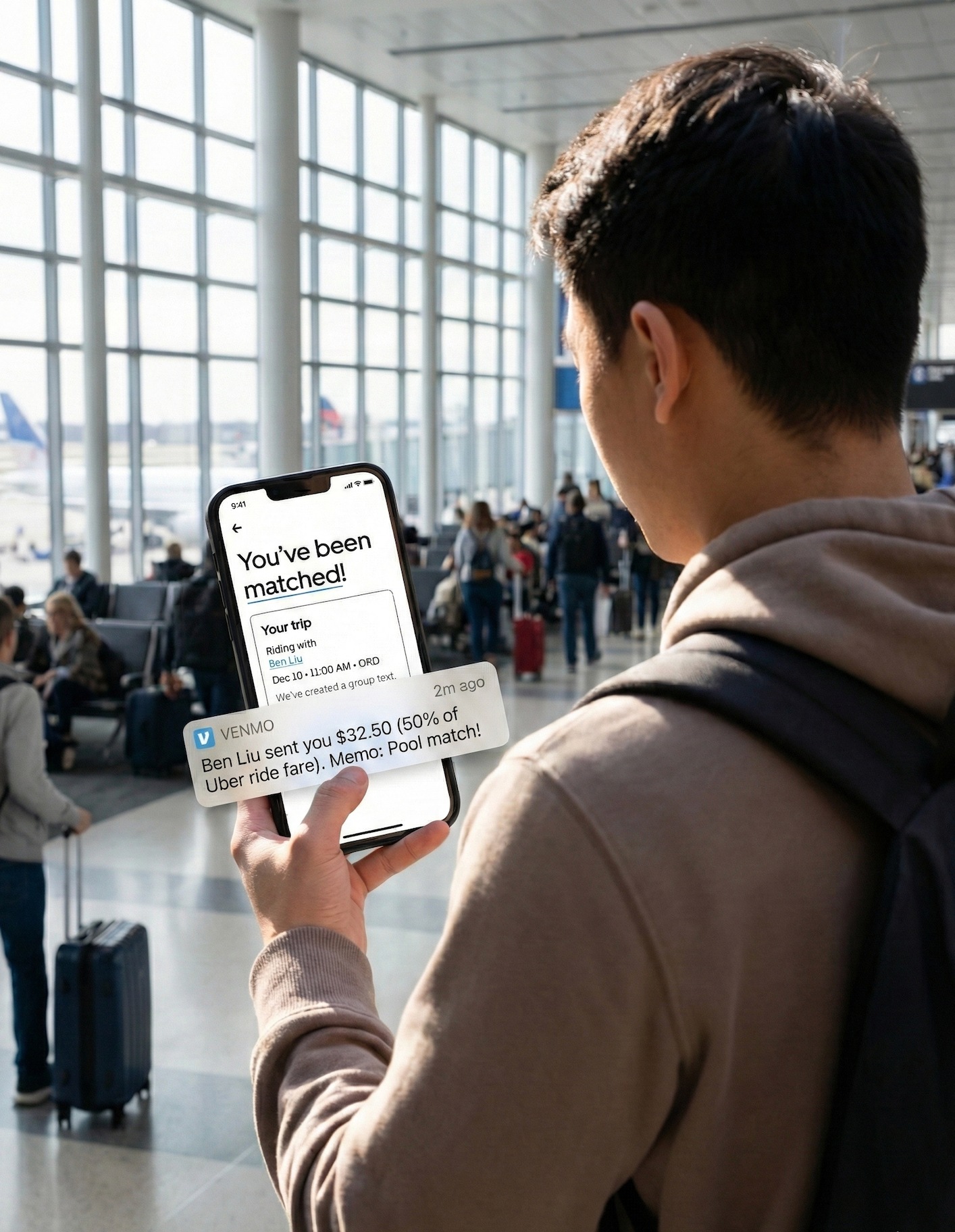
Book your Uber or Lyft with your match, ride together to the airport, and split the cost. Use Venmo, Zelle, or cash to settle up—Pool makes airport rides affordable and social.
Download Pool
Available now on iOS. Sign in with your UChicago email to get started.
Pool is free. You only pay your share of the ride.
Frequently asked questions
Everything you need to know about Pool
Is Pool a rideshare company?
No. Pool doesn't provide transportation services. We just match you with other UChicago students so you can share rides you book through Uber, Lyft, or another service.
How much does Pool cost?
Pool is completely free. You only pay your portion of the Uber or Lyft fare, split with your matched riders.
Do I need a UChicago email?
Yes. Pool is exclusively for UChicago students, so you'll need to sign in with your @uchicago.edu email address.
What if I can't find a match?
Pool shows you all students with similar departure times. If there's no perfect auto-match, you can browse and manually connect with other riders.
Is Pool safe?
All users must have a verified @uchicago.edu email. Plus, you can see the full name of your matches.